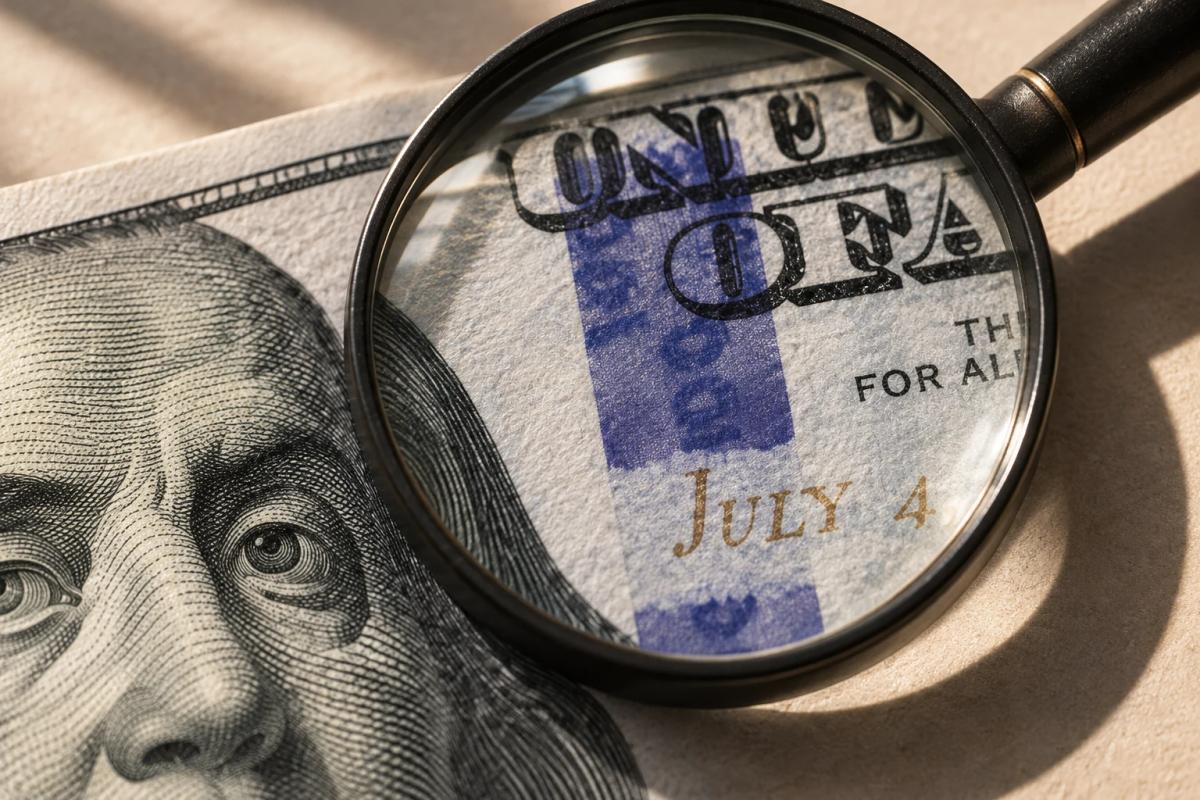
UV checks, explained
What UV light reveals on a banknote—and why a glow alone is not enough.
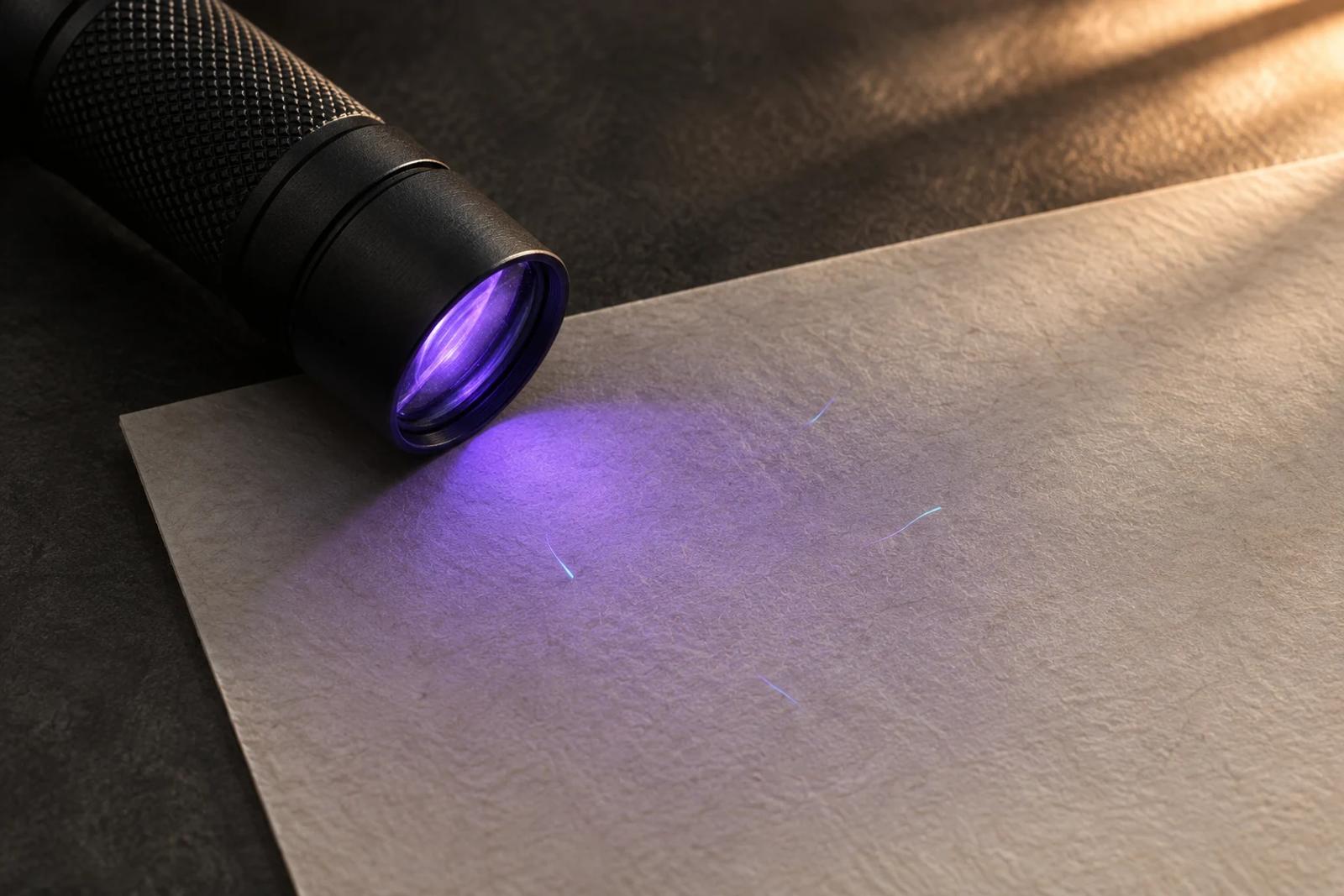
Check a feature, not just a glow
A UV check compares a specific security feature with the expected appearance for that currency, denomination and banknote series. It is not simply a test of whether any part of the paper lights up.
The U.S. Currency Education Program includes UV checks alongside touch, tilt and transmitted-light checks in its training materials. Staff need the reference for the exact note they are handling; features differ between denominations and designs. [1]
Use more than one check
Start with the issuing authority’s guide. Identify the note design, locate the relevant feature and compare the result with the reference. Then check the other features described for that note.
Do not turn a single observation into a promise that a banknote is genuine. Follow your organisation’s procedure when the results do not agree.
Match the equipment to the task
A manual UV lamp lets the operator inspect visible responses. An automatic detector or counter uses its own supported checks and configuration. These are different workflows.
Before choosing equipment, ask which currencies and note versions are supported, which checks are performed, and how an alert is handled. A feature explained in this article is not a specification for every DOYO model.
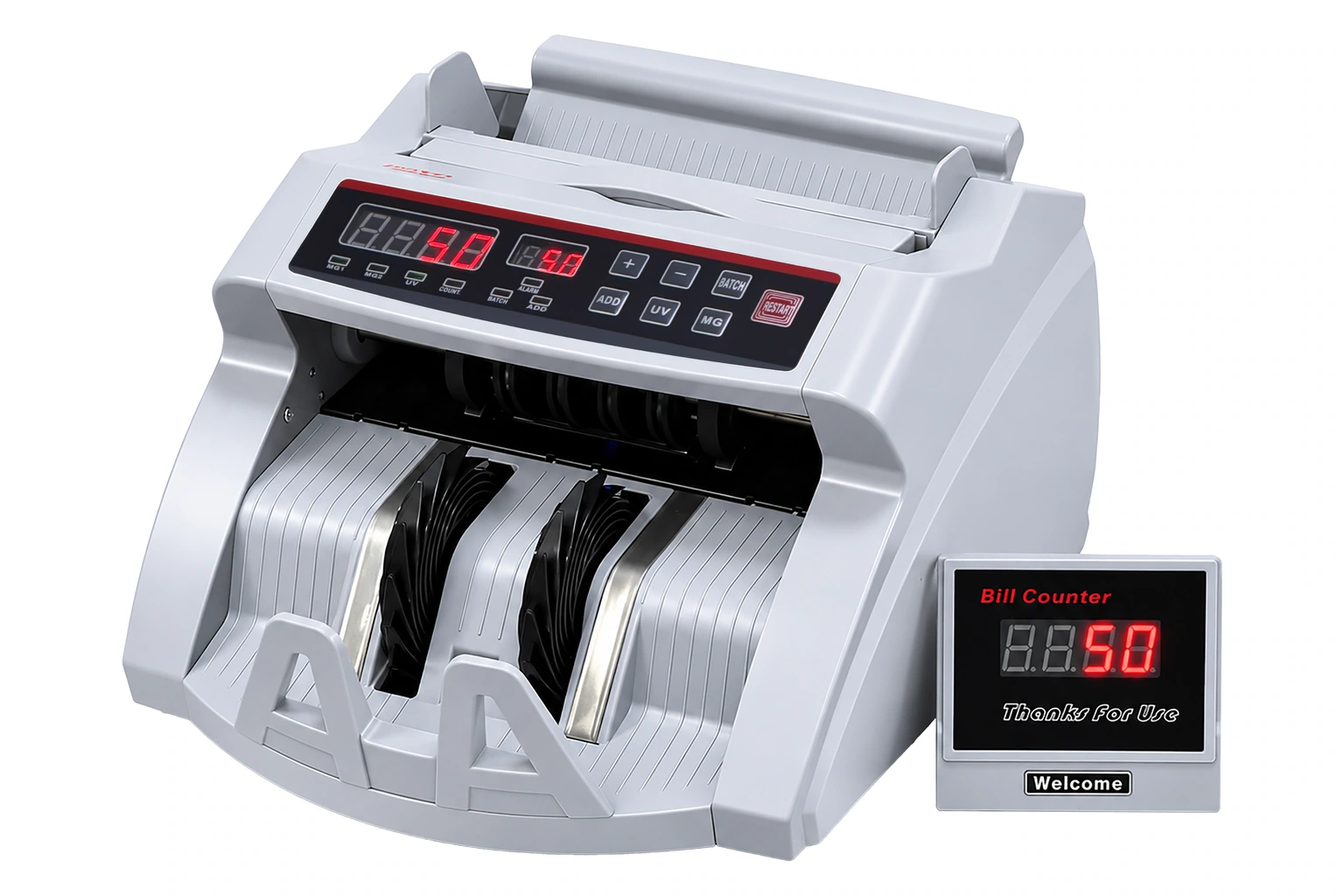
DY-2100D
UV and magnetic detection are listed for the DY-2100D. Confirm the checks provided for your currency and banknote series, and the operator’s response to an alert, before choosing the configuration.
External sources
Checked