Checking a $100 note
A practical guide to security features on the 2013-design U.S. $100 note.
Identify the design
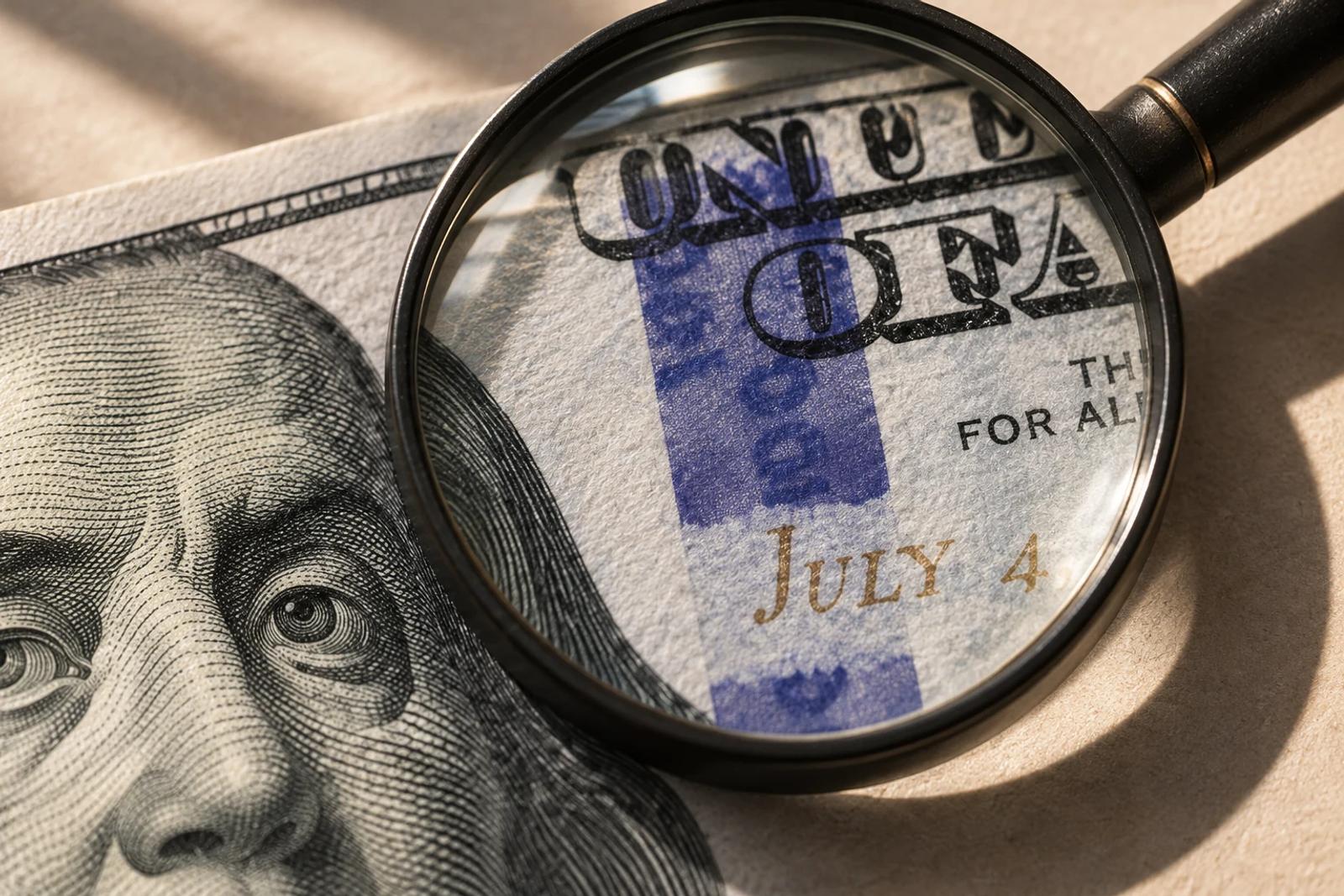
This guide covers the U.S. $100 design issued in 2013, with the blue 3-D Security Ribbon. Use the U.S. Currency Education Program’s separate references for older designs. Do not assume that a note is counterfeit just because its appearance differs from the newest design. [1]
Look through the note
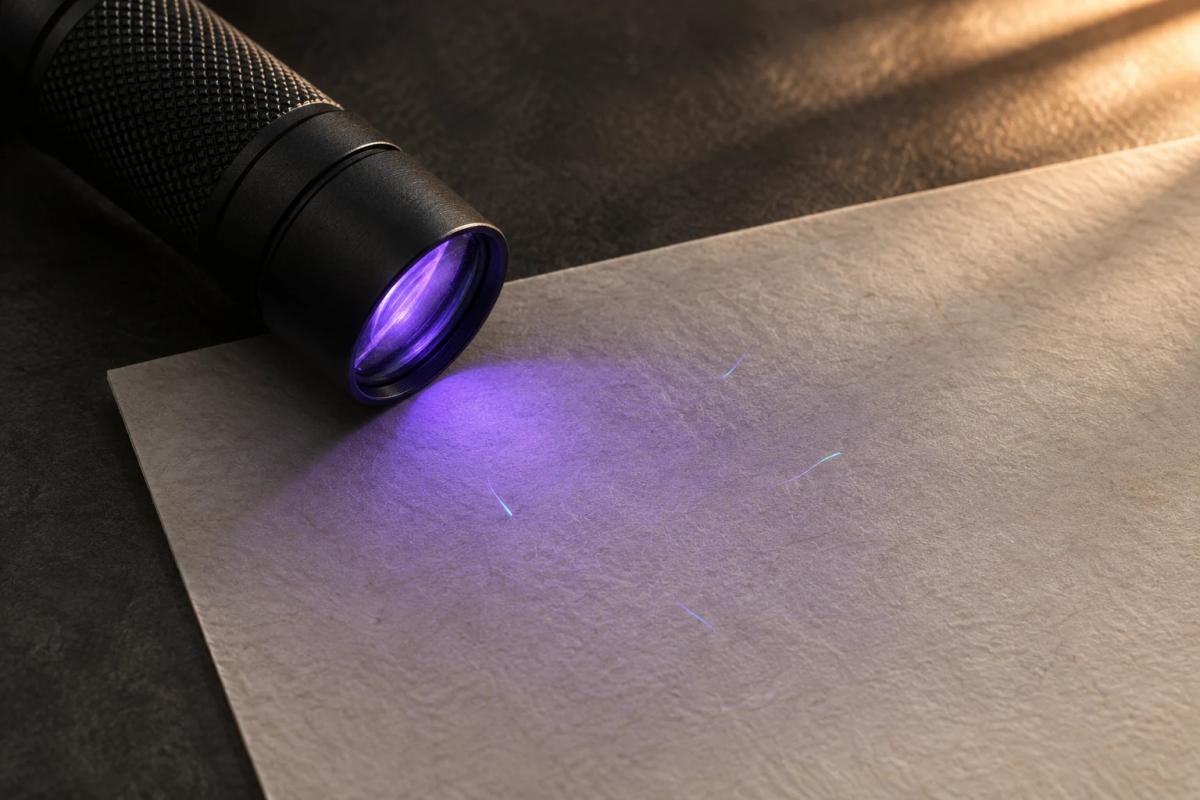
Hold the note up to light. The portrait watermark is on the right of Benjamin Franklin. A separate embedded security thread sits to the left of the portrait and carries the denomination. Under UV illumination, this thread should appear pink. [1]
Tilt the note
Watch the blue ribbon as the note moves: its bells and 100s appear to move and change. The bell inside the copper inkwell changes from copper to green when tilted. Compare several features with the official reference rather than relying on one result. [1]
DY-980
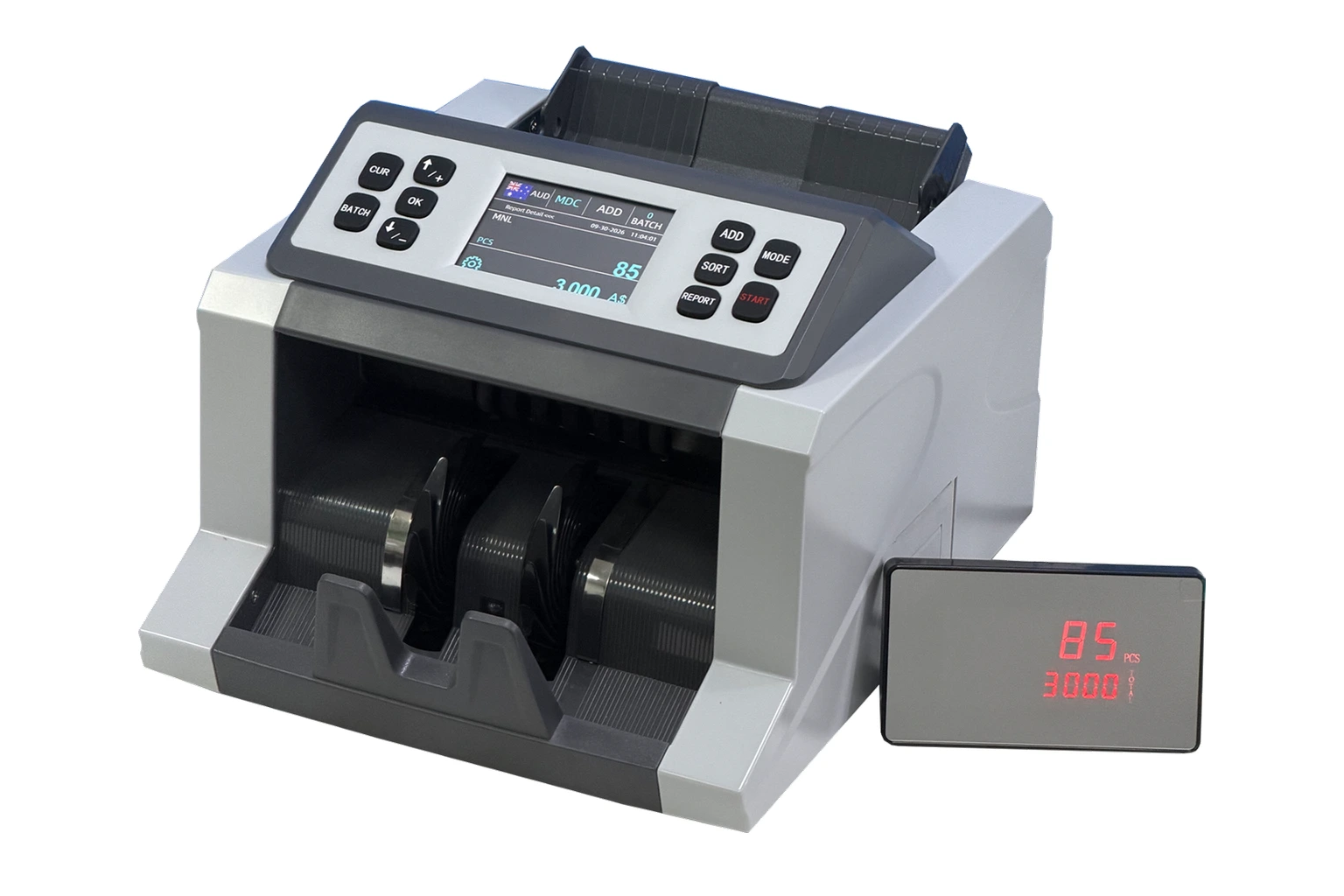
If your task also includes counting, review the DY-980’s value-counting functions. Ask separately whether the proposed unit supports your USD denominations and note designs; this article does not establish that compatibility.
Keep the official reference nearby
The source below includes interactive illustrations and additional details. Use it for staff training and when checking which design is in front of you. The equipment image illustrates cash handling; it is not evidence of a particular model’s USD support.
External sources
Checked