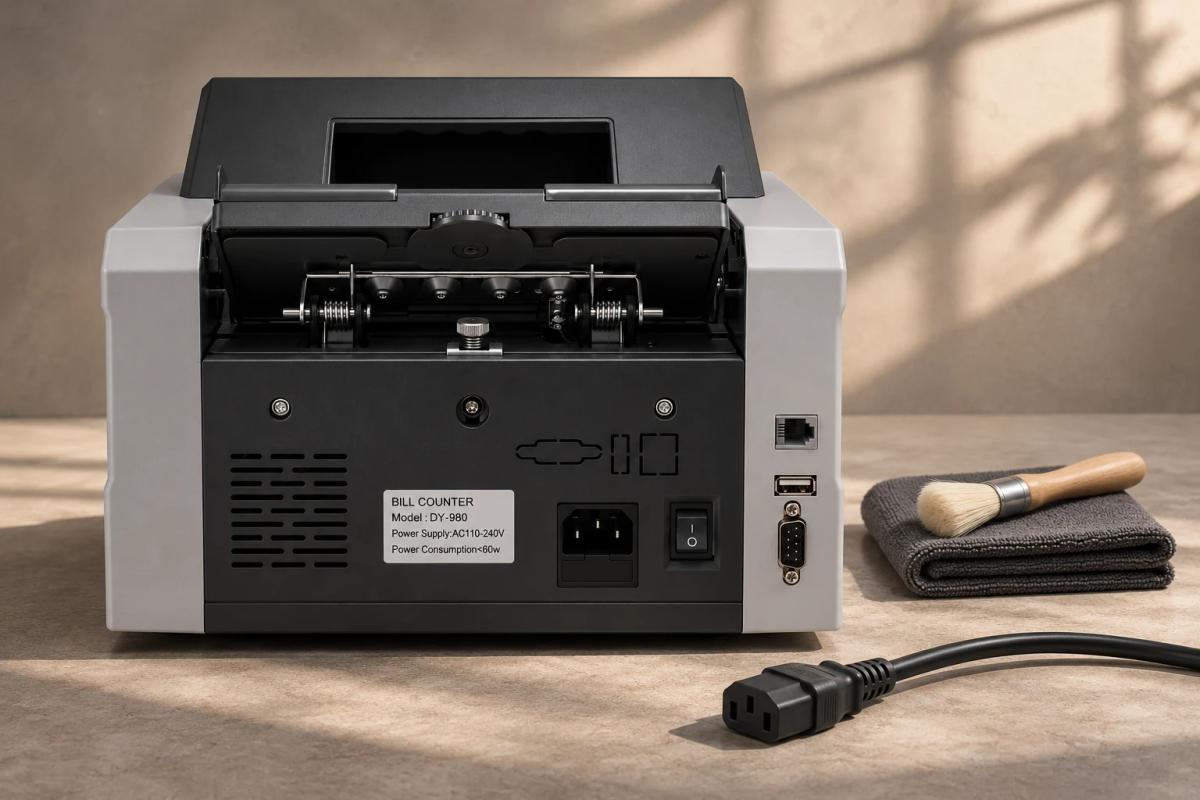
Preparing polymer notes for counting
Separate, align and prepare a batch of polymer notes, then check the requirements of the machine and currency you use.

Separate and align the batch
Fresh polymer notes can cling together. The Reserve Bank of New Zealand recommends fanning, tapping or shuffling new notes before counting so they separate. It also advises keeping notes straight and flat. Apply handling guidance from the issuer of the currency you actually use. [1]
Set aside a clear area for the incoming batch and another for counted notes. Remove the band before loading, align the stack, and use the loading orientation and capacity specified for your counter. A neat workstation helps prevent an already counted batch from being returned to the incoming pile.
Inspect the condition of the notes
Do a quick visual check before loading. Separate notes that are visibly damaged or joined to another note, and follow your machine’s instructions for unsuitable material. Do not assume that a note accepted for exchange by a bank is suitable for feeding through a particular counter.
For New Zealand polymer notes, the RBNZ advises against staples and pins, which can start a tear. It also warns that high heat can shrink or melt polymer notes: do not iron them to flatten a crease. These are handling points, not instructions to repair or clean your machine. [1]
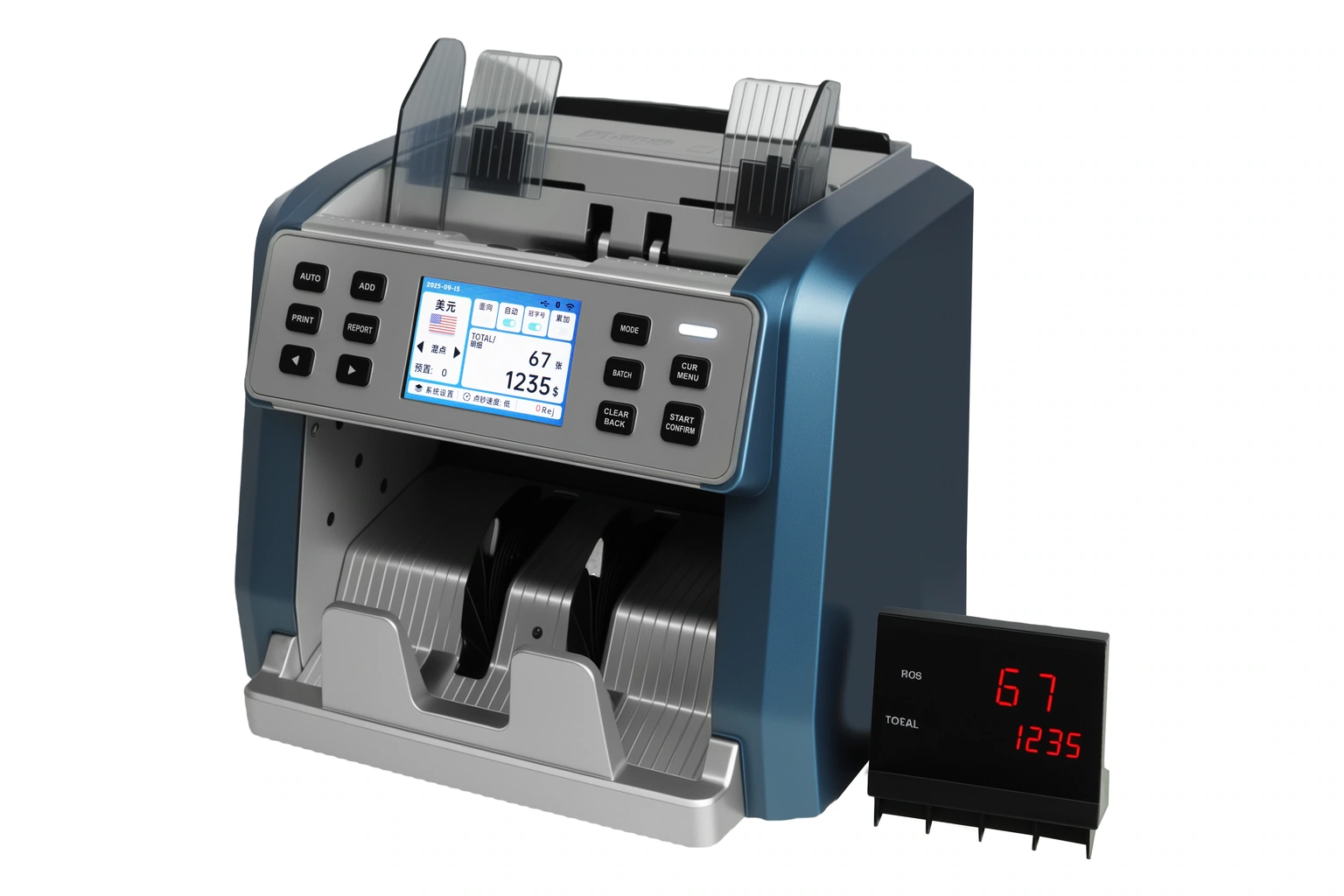
DY-150
The DY-150 offers a mixed-value counting configuration. Before selecting it for polymer notes, ask for the actual currency and series to be checked against the supplied configuration.
Confirm the equipment configuration
Polymer is a material description, not a guarantee of machine compatibility. The Bank of England’s guidance for the transition to polymer notes explains that cash-handling equipment may require software updates and, for some machines, hardware changes. That historical guidance illustrates why the supplier must check the actual note and equipment combination. [2]
Record the currency, denominations, series and exact machine model in your enquiry. If a software version is available on the machine, include it. Ask which setup and operating instructions apply before changing a setting or installing an update.
Make the first run easy to check
For an initial workflow check, keep a small, independently counted batch separate and record its expected result. Follow the supplied setup procedure, compare the result, and note any error message. This checks the counting workflow; it is not an authentication certification.
If feeding remains inconsistent, retain the model, settings and error details for support. Repeating the same unexplained run is less useful than showing exactly which batch and configuration produced the issue.
External sources
Checked