Before you clean a counter
Find the correct instructions, prepare the machine and record recurring problems.
Start with the model manual
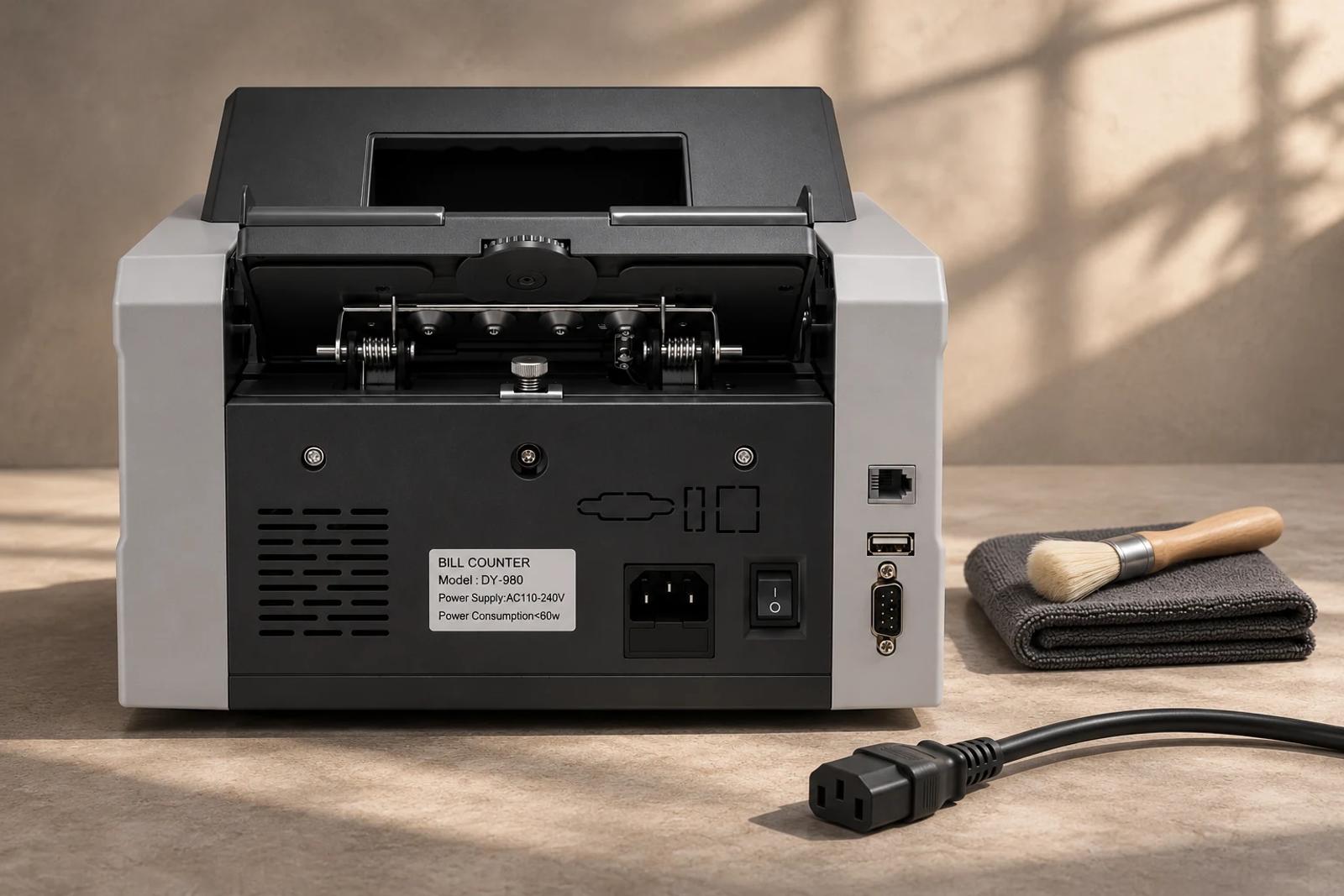
Find the operating and cleaning instructions for the exact model and version. A maintenance method shown for another machine may use different access points, cleaning materials or shutdown steps.
If you do not have the correct manual, request it through DOYO support before opening the machine or applying cleaning products.
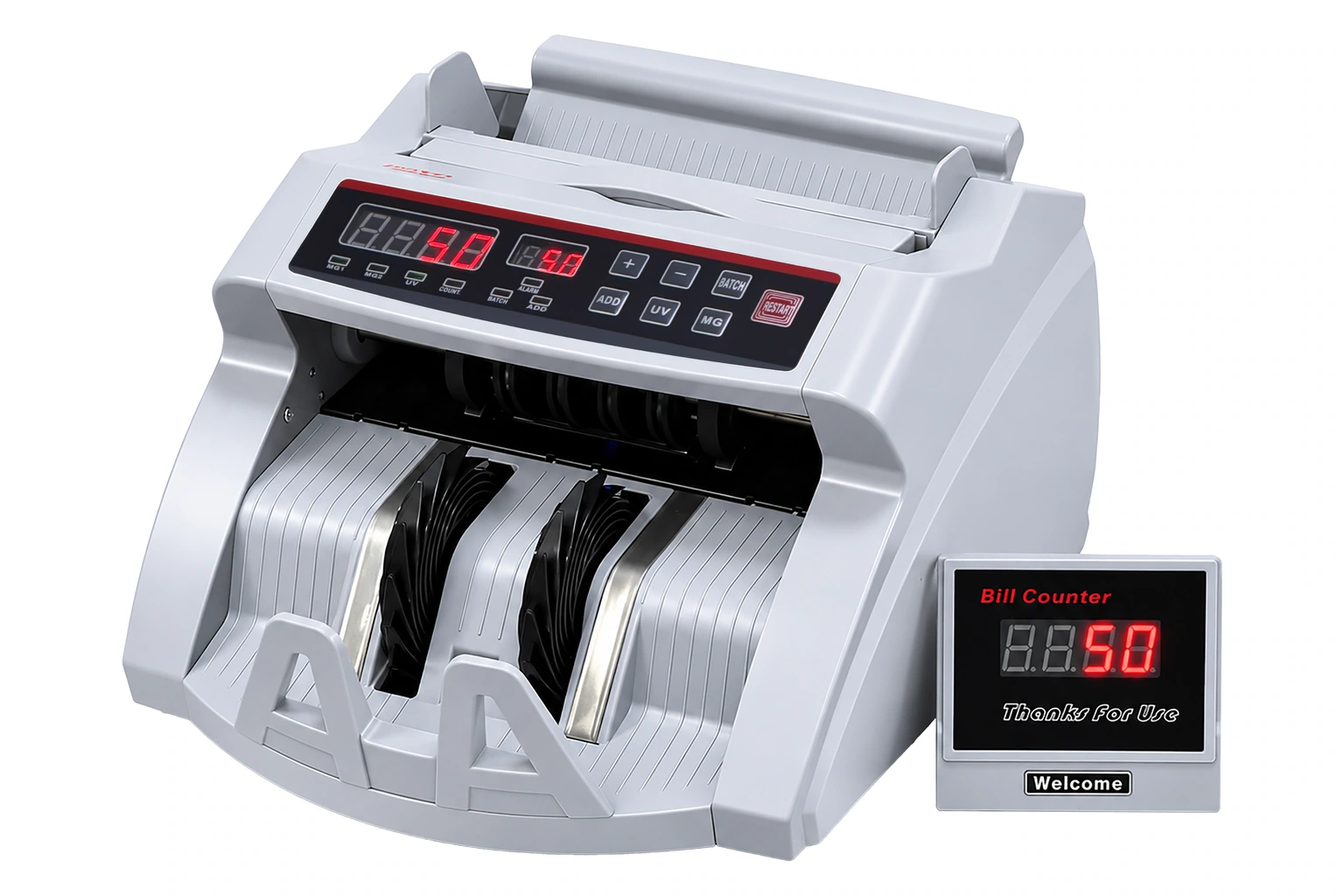
DY-2100D
For a DY-2100D, start with the model’s support information and request the matching manual. Use that manual to confirm the permitted cleaning materials and access points.
Prepare the work area
Remove notes and loose objects from the workspace. Follow the manufacturer’s shutdown and power-disconnection procedure before any cleaning or access to the note path.
Use only the materials and access points permitted in the model’s instructions. Do not spray liquids into the machine or improvise adjustments to sensors and feed parts.
Check and record the result
After reassembly, follow the manual’s restart and test procedure. Record any repeated alert, the operating mode, the currency and the condition of the notes involved.
If the issue continues, send support the model, a description of the alert and the steps already taken. Avoid changing detection settings just to make a recurring alert disappear.
Get model-specific help
The setup and downloads pages below lead to the current support route. This article is a preparation checklist; the model manual defines the actual cleaning method and frequency.
All articles