Evaluate a sample
Check the configuration, the count and the output before a larger order.
Use the checklist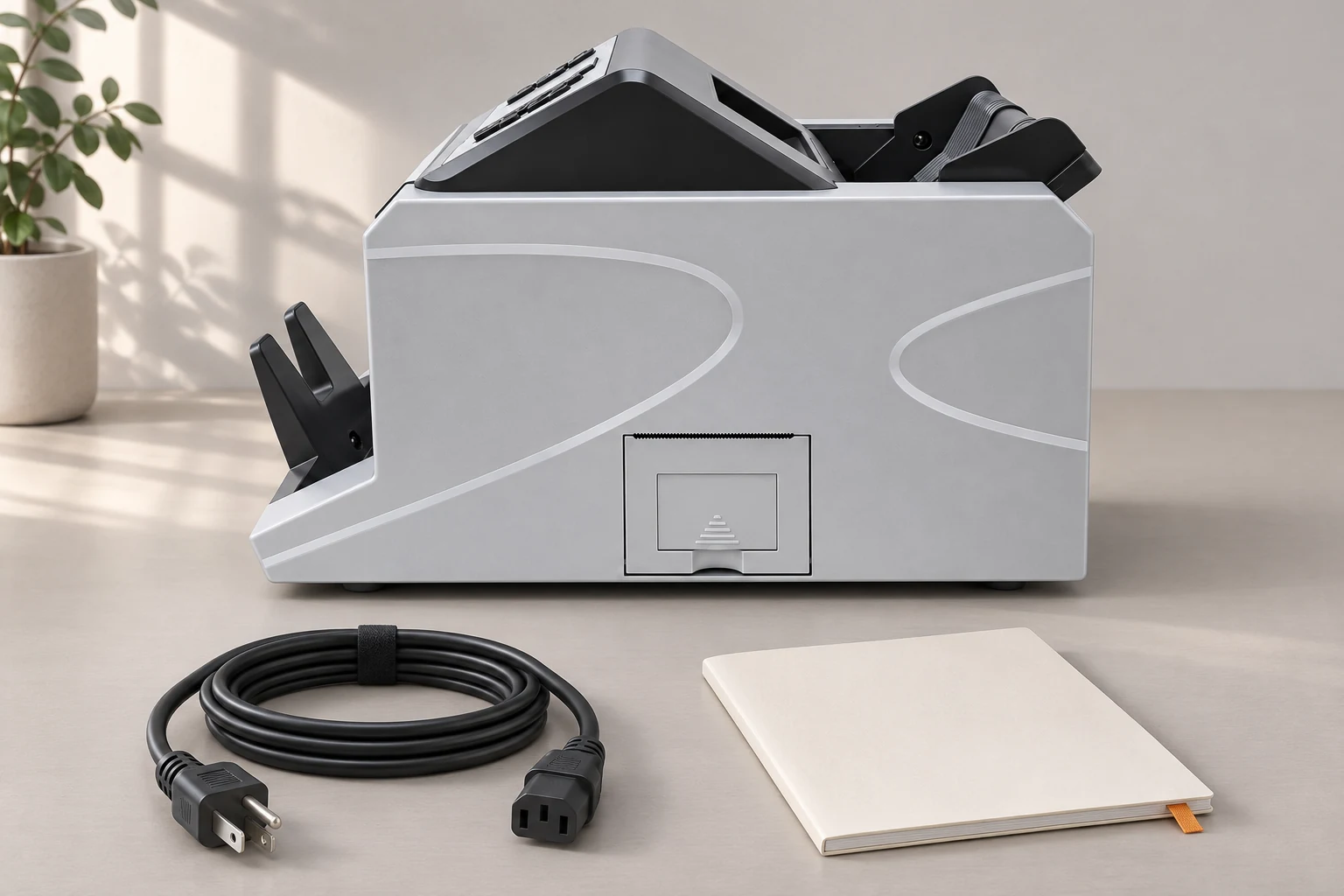
Agree what to test
Start with your actual task and a written record of the sample configuration.
- List currencies, note series or coin denominations, typical condition and daily workload.
- Specify whether you need a piece count, value total, sorting, batching or a count record.
- Record the model, supplied accessories and any agreed currency or software version.
- Confirm stock and destination-specific transit time before arranging the sample. Review the return conditions before testing.
Check before powering on
Inspect the delivered sample and follow its supplied manual for setup.
- Check for visible shipping damage and compare the contents with the agreed packing list.
- Confirm the rated input, plug and supplied cable are suitable for your location before connecting power.
- Use the specified working conditions and ask for guidance if a setup instruction is unclear.
Use a known batch
Independently establish the count of a small, representative batch of your own cash, then compare it with the machine's result.
- Record the currency, denomination mix, condition, expected count or value, and selected mode.
- Repeat with the same batch and settings, recording each result and any alerts or rejected items.
- Try other agreed batches separately. Do not infer support for another currency or note series from one successful test.
Review the output
Check the functions you will use in daily work, then list any questions before accepting the configuration.
- If included, check batch and add modes against their manual instructions.
- If agreed, check the actual printout, export or external display and the supplied accessories.
- Record mismatches, alerts and operating steps. Share these with DOYO before confirming the larger order.
Compare like for like
Keep the same batch and settings when comparing repeated runs.
- Batch
- Currency · series or denomination · condition
- Setup
- Model · configuration · selected mode
- Result
- Expected result · actual result · alerts · action needed
Your sample checklist
Use this alongside the supplied manual. Ticking a box records your review, not machine approval.
0 / 6 reviewed
Ticks reset when you reload this page.
Discuss your sample
Share the required configuration and any questions from your evaluation.
Ask about a sample